
Why a single customer view still fails after you buy a CRM
Picture a customer whose online order arrives with an item missing. He emails support, sends a photo of the package on WhatsApp, then calls when nobody replies. In many CRMs, that's three separate records: an email ticket, an unknown WhatsApp contact, and a caller with no history. A single customer view fixes this by tying every channel back to one person. Yet many companies that already pay for a CRM still don't have one.
The reason is how channels get added. Most teams start with email and a phone line, then add WhatsApp, web chat, and a voice bot one at a time. Each new channel arrives with its own inbox and its own contact list. The CRM collects more data, but it never learns that these contacts are the same customer.
The cost shows up in every conversation. Customers repeat their order number and their question each time they switch channels. Staff reply without knowing what someone promised an hour earlier on another channel. Reports count one customer three times, so marketing sends duplicate messages and sales chases leads another colleague is already handling. That's what fragmented customer data looks like day to day.
What a single customer view actually includes
A single customer view is one complete record for each customer. It brings together who they are and every conversation they've had with you, on any channel. It also holds what they've bought or asked about, and how they want to be contacted. Everyone in the company sees the same, up-to-date picture before they reply.
Five parts make up a complete view.
Part | What it holds | Example |
Identity | Every email address, phone number, and login tied to the person | A work email, a personal email, and one WhatsApp number |
Profile | Name, company, location, and customer type | Retail: loyalty tier. Real estate: budget and preferred area |
Conversation history | Every email, chat, call, and web visit, in order | A WhatsApp question, then a call about delivery |
Orders and interests | Purchases, quotes, property viewings, open requests | Two orders and one return in progress |
Consent and preferences | What they agreed to, and how and when to reach them | WhatsApp only, after 6 p.m. |
Some vendors call this a customer 360 view or a unified customer profile. Most guides on the topic focus on identity, profile, and purchases, because they're written for marketing teams. Inside a CRM, the conversation history matters just as much. It's what lets the next person, or the next AI agent, pick up exactly where the last one stopped.
Identity resolution: matching one customer across channels
Identity resolution, also called customer identity resolution, is how a CRM works out that different contact details belong to the same person. It links an email address, a WhatsApp number, a caller ID, and a website login into one customer record. It uses exact matches first and careful rules for the uncertain ones.
Exact matches are the safe starting point. Say a WhatsApp number matches a phone number already on file, or a web chat visitor logs in with a known email. The CRM can link those with confidence. Teams then add rules for likely matches, such as the same name and delivery address with a new email. Those should be suggested, not merged automatically. Rules like these work best inside data pipelines that match and clean records across systems.
Bad merges are worse than duplicates. Two family members who share a phone, or two buyers using the same real estate agent's number, can easily be joined by mistake. Once two people share one record, staff may send one person's details to the other. So keep a log of every merge, send uncertain ones to a person to approve, and make it easy to undo a merge. Merge rules also need an owner. New channels and data sources keep arriving, and each one brings new ways for records to split or clash.
Bringing every conversation into one history
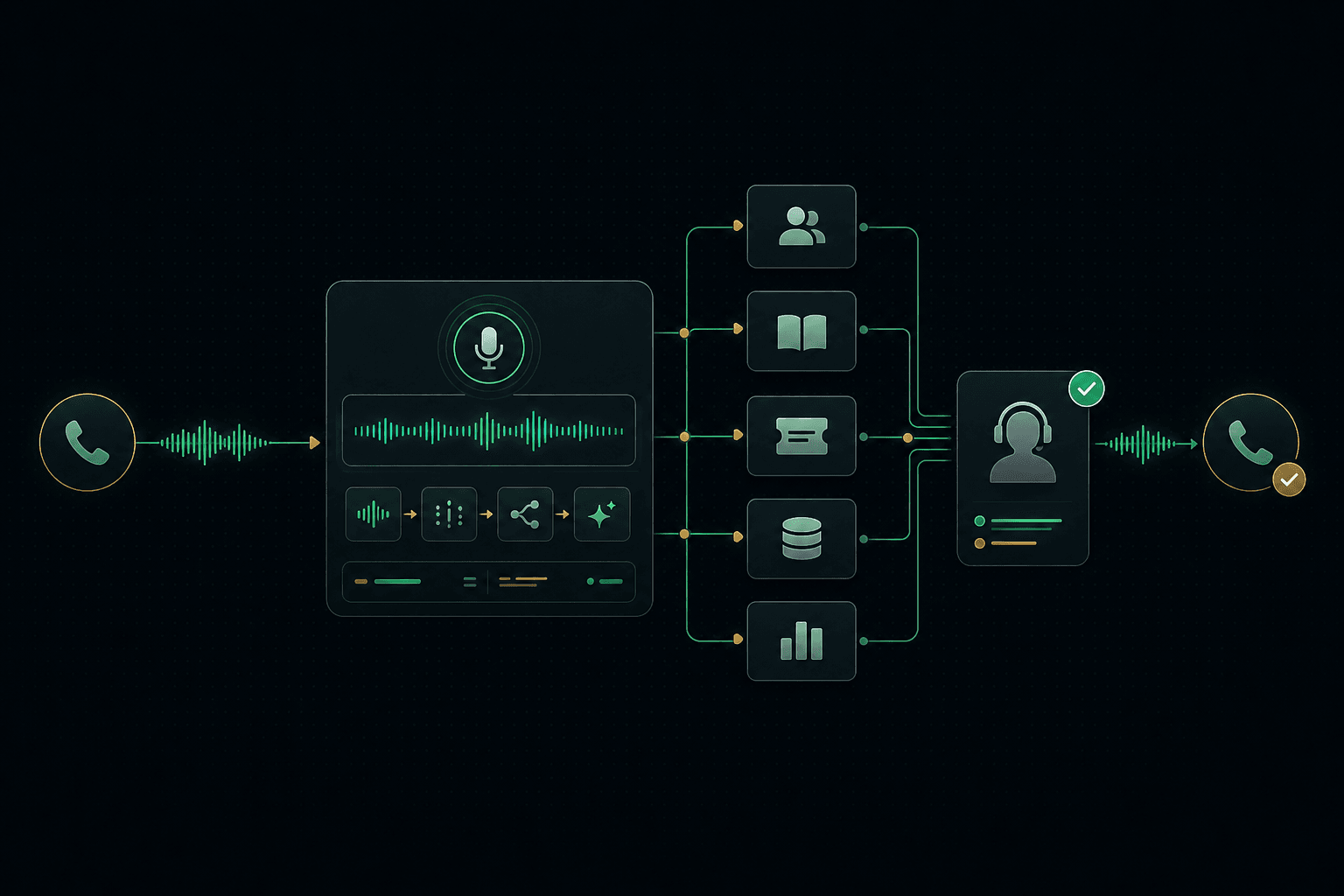
Once the CRM knows who the customer is, every conversation should land on the same timeline. Emails and web chats are usually the easy part. Most CRMs already capture them, as long as staff reply from inside the CRM instead of their own inboxes. WhatsApp is where many setups break, because chats sit on staff phones or in a separate inbox. Connecting WhatsApp's official business platform to the CRM puts every WhatsApp chat on the right customer's record automatically.
Calls need the same care. A call log that only says "called, 4 minutes" tells the next person nothing. Good CRM phone integration records the call, turns it into text, and adds a short summary to the timeline. The summary covers what the customer asked, what was promised, and what happens next.
Order and detail matter too. Every item on the timeline should show the time, the channel, and who handled it. That way, a customer who starts on web chat and finishes on a call never has to repeat the story. Calls answered by an AI voice agent that writes its own summary into the CRM arrive on the timeline already documented, just like a chat.
Customers don't think in channels. They think in conversations, and they expect you to remember the last one.
Putting the single view to work: context and AI routing
A single customer view pays off when it changes what happens next. When a message arrives, whoever replies should see the latest conversations, open orders, and any promises made. That alone removes most of the repeat questions customers complain about.
Routing gets smarter too. Many teams send messages by channel, with WhatsApp going to one team and email to another. It works better to route them by who the customer is and what they need. A real estate lead who chats on WhatsApp and then calls stays with the same agent. A retail customer asking about a late order by email gets the same answer they got on WhatsApp. AI can read the timeline, sort each request, and pass simple ones to a bot. That's the job of an omnichannel CRM that routes every conversation with its full history.
The same idea works in other industries. An insurance customer who reports a claim online and then calls to follow up shouldn't have to explain it twice. Wherever customers switch channels, a connected customer experience depends on one record underneath.
Measure the change, so you know the view is working. Track how many duplicate records remain, how often customers have to repeat information, and how long a first reply takes on each channel. Watch how often a conversation is passed between teams, too. When those numbers fall, the single customer view is doing its job.
Conclusion
A single customer view isn't another tool on top of your CRM. It's a decision to treat every email, WhatsApp chat, call, and web visit as part of one customer's story. Match identities carefully, bring every conversation into one history, and let staff and AI act on the full picture. To see where your data splits, follow one real customer across your channels and count how many records they appear in. Try it with one of your recent customers, and we'll pinpoint where their record breaks apart and how to rejoin it into one view.