
Why legacy Salesforce quietly became a liability
Most teams don't notice the moment their Salesforce turned into a burden. It builds up over time — a few custom fields here, an acquired company's data dumped in there, a workflow nobody remembers building. Years later, reps spend more of the day feeding the CRM than selling through it. The tool meant to speed up revenue is now slowing it down.
The real problem isn't the license fee. It's the hidden cost underneath it. Salesforce's own research found that reps spend just 28% of their week actually selling. Most of the rest goes to admin and data entry. Multiply that across a team, and the cost dwarfs anything on the invoice. The CRM still works — but it works the way it did fifteen years ago, when a person had to type in everything the system knew.
Modernize or replace: the choice most teams get wrong
Once the pain is obvious, the instinct is to start fresh. The market is full of new AI-native tools promising to replace Salesforce completely. For most mid-market and enterprise teams, that's the wrong move.
Replacing Salesforce doesn't swap a tool. It throws away years of training, hundreds of integrations, and the workflows your whole revenue team runs on.
Think about what a company has built up. It has trained dozens of people on Salesforce, wired it into its other systems, and shaped years of process around it. Moving to a new system means months of retraining and a dip in output during the switch. It also means rebuilding integrations the new vendor has rarely handled before. The smarter path for most teams isn't replacement. It's modernization — turning the Salesforce you already own into an AI-native engine, while keeping the value you've already built.
Why "just turn on Einstein" doesn't work
If modernization is the goal, the next instinct is to switch on Salesforce's built-in AI — a set of features Salesforce calls Einstein — and call it done. That rarely works, and it's worth knowing why before you spend the budget.
Einstein needs clean, well-structured data to produce anything useful. Most older systems don't have that. Years of manual entry, duplicate records, and data merged from acquisitions leave the underlying model messy. Point AI at messy data and you get confident, wrong answers. That's why so many AI rollouts stall in the first few months. Modernization is a data and architecture job first, and an AI job second. Reaching clean, AI-ready customer data is the unglamorous work that decides whether everything above it succeeds.
What an AI-native Salesforce actually looks like
So what are you building toward? An AI-native CRM isn't Salesforce with a chatbot attached. It's a system where the intelligence is built into how the data flows, not added on later.
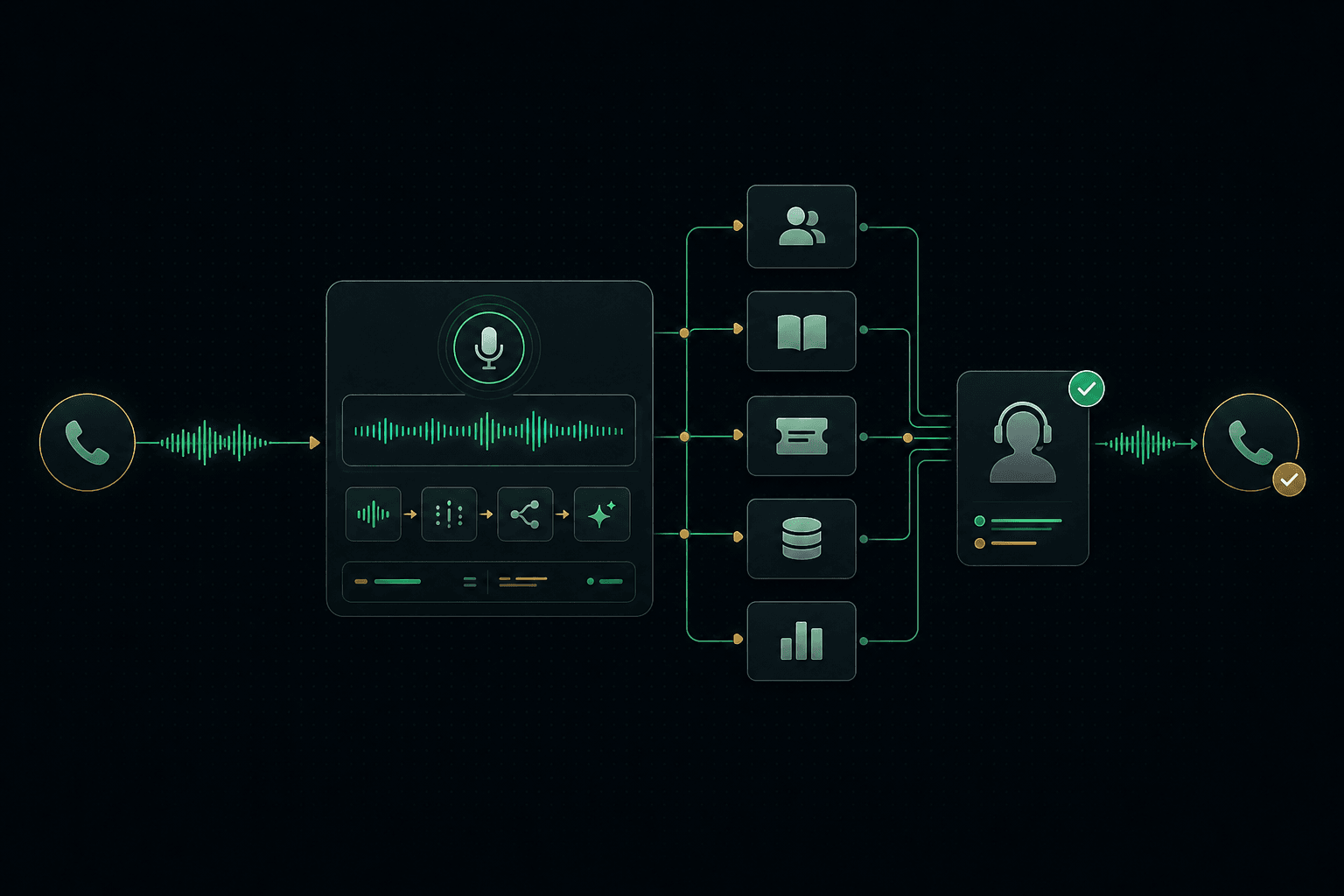
In practice, the data captures itself — pulled from emails, calls, and calendars instead of typed in by hand. Scoring stops being a fixed rule and starts predicting who's likely to buy. Routine work runs on its own: automating follow-ups, pipeline updates, and lead capture so reps stop correcting the system by hand. Underneath it all sits a clean data model that reflects how you actually sell. That's the foundation of a CRM rebuilt around your sales process , rather than one you bend your team to fit. The payoff shows up in the numbers: Salesforce reports that AI-enabled sales teams saw 83% revenue growth in a year, against 66% for teams without AI.
The modernization path, step by step
Modernization is a big job, but the path is well-worn when you take it in order. Skipping steps is what turns it into a mess.
Start with an audit: what data you have, what's broken, and which customizations still earn their place. Then clean and restructure the data, because everything above it depends on that. Next, re-architect the data model so it matches how your team sells today, not how it sold a decade ago. Only then do you add the AI and agents. Move in stages, not one risky all-at-once switch — a safe, staged migration runs the old and new side by side until you trust the new one. Teams without the in-house capacity feel this most, because the work blends data, architecture, and change management. That's where the product engineering to rebuild it properly earns its place.
Common mistakes that derail CRM modernization
Even good teams trip on the same handful of things. Knowing them in advance is half the battle.
The most common mistake is skipping the data cleanup to reach the AI stage faster, which guarantees the AI underperforms. The second is the all-at-once cutover — switching everything in one go and finding the gaps in production. The third is treating it as a pure IT project with no plan for getting reps to actually use the new system. And the fourth is doing it backwards: turning on AI before the data foundation can support it. Each one is avoidable, and each one is costly when it's not.
How to know it's working
Because this is an investment, it needs numbers that prove it paid off. Busy-work metrics won't cut it.
The clearest signal is selling time recovered — how many hours a week reps get back once the system stops demanding manual entry. Watch data quality too: fewer duplicates, more complete records, fewer fields nobody trusts. Track pipeline accuracy, since better data means forecasts you can actually plan around. And measure adoption, because a modern CRM nobody uses is just an expensive one. When those four move together, the CRM becomes what it should be — a revenue engine, not an admin cost.
Conclusion
CRM modernization in 2026 isn't about chasing the newest tool. It's about turning the system you already depend on into one that works the way modern selling actually happens. For most teams, that means modernizing Salesforce rather than replacing it — fixing the data foundation first, then adding the AI that makes the whole thing predictive and self-maintaining. It's more disciplined than starting over, and it protects the investment you've already made. So if you're weighing what modernization would take for your own Salesforce, start with a modernization assessment. It's a clear-eyed look at your data, your integrations, and what an AI-native rebuild would actually involve — before you commit to a direction.